This page is a workspace for demonstrating available components. Examples of the following below:
- Text
- Hyperlink
- Quote
- Logo
- Favicon
- Image
- Gallery
- Second Gallery
- Video
- Standard button
- Call to Action (CTA) Button
- Skills
- Feature row
- Contact Form
1. Use markdown to format text
2. Hyperlink - Example Hyperlink. Open components.md page and copy this example.
3. Quote - Think of ways to use this in your portfolio and I don’t want to see this quote used in your final portfolios!
This was the most polished student game I have ever played in my life!
4. Logo
To use a logo in the masthead of your site. Ensure you have the images stored in assets/images Go to config.yml and add the url to your preferred image.
5. Favicon
What is a favicon? To use one on your site, go to Favicon.io and generate a set of favicons. For now you can just upload the 32 x 32 size to assets/images.
6. Single image - Use the figure include. Remember that it’s good practice to include ALT text for accessibility.
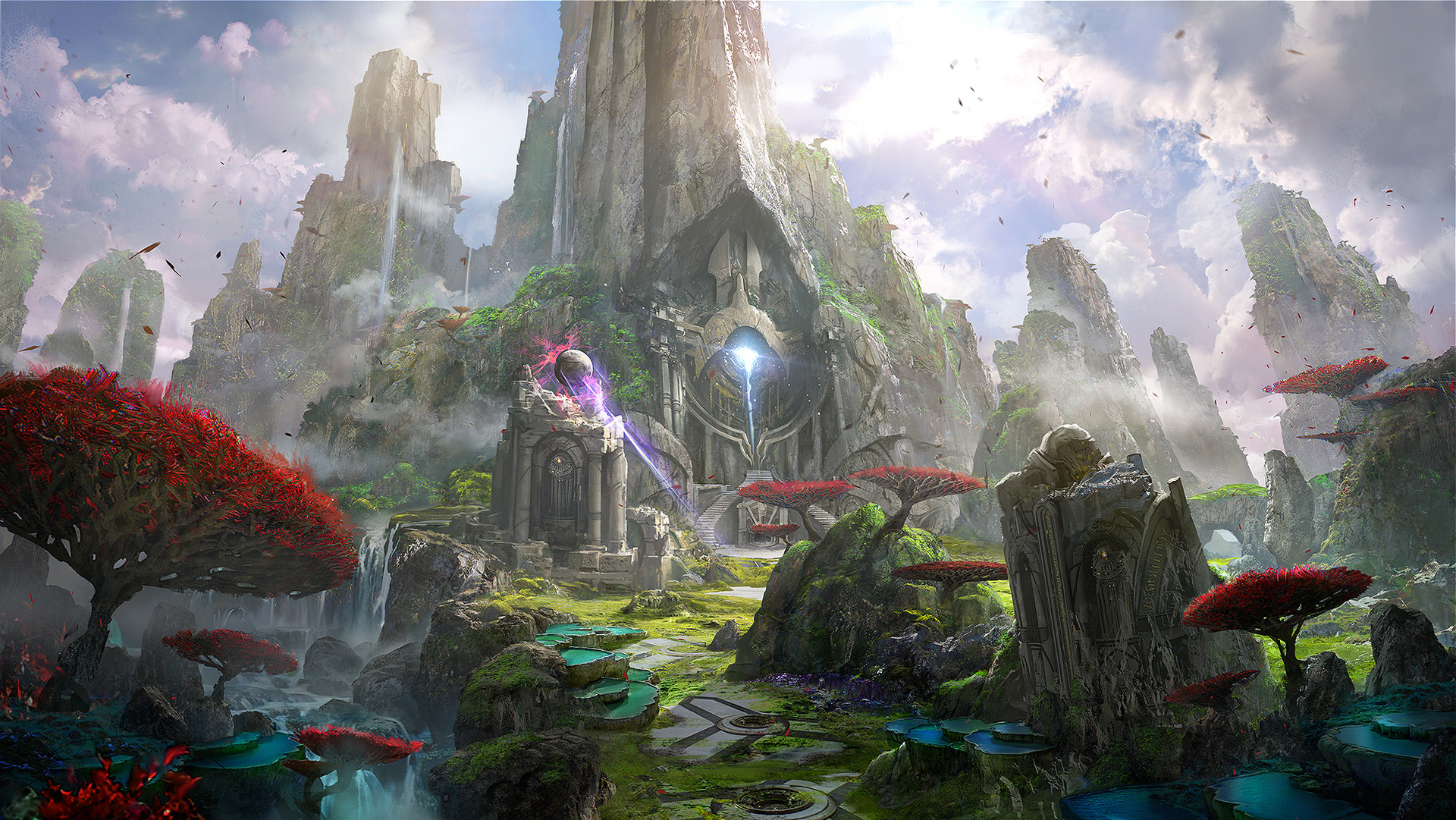
7. Gallery - A gallery is a good way to showcase some of the various components of your game. Remember to name your galery appropriately. Look at the gallery include to see the available keys. Gameplay Gallery - The content of the gallery is in the head of this page. Look at the gallery include for available keys.
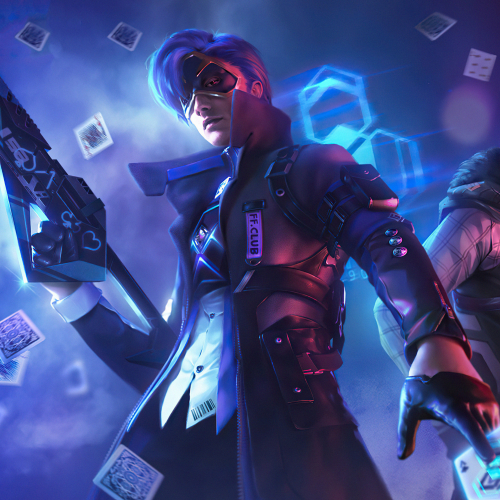
8. Second gallery in the same page - Make sure you reference the gallery id.
Game Art Gallery
9. Video - Look at the video include to see how it handles vidoes from different sources. Also be mindful to only extract and use the video id.
Let’s talk about the Rick Roll phenomena…
10. Standard button - Look at the button include to see the available keys.
11. Call to Action (CTA) [Download button]. If you want to store downloadable information in your repo, you can use this CTA. Look at the download include to see the available keys.
Download my Project Proposal
Download Project Proposal12. Skills - The Skills content is in the head of this page. Look at the skills include for available keys. Use Font Awesome for icons.
Unity
- C#
- Game Dev
Built multiple prototypes and a published jam game.
Game Design
- Game Mechanics
- Levels
- UI
Designed mechanics, levels, and player feedback loops.
13. Feature row - An excellent way to showcase projects or other hidden talents that you might have. Look at the feature_row include for available keys.
Placeholder 1
This is some sample content that goes here with Markdown formatting.
Placeholder 3
This is some sample content that goes here with Markdown formatting.